
I attempted to Sign In With Apple and encountered an authentication problem. This is a misalignment problem between Apple's and Parallels' authentication services.

To fix this issue, first disconnect "Sign in with Apple" from your Parallels account, then sign in again using the steps below:
- Go to Apple Account website and log in using your Apple Account credentials.
- Scroll to the Sign in and Security section and click Sign in with Apple.
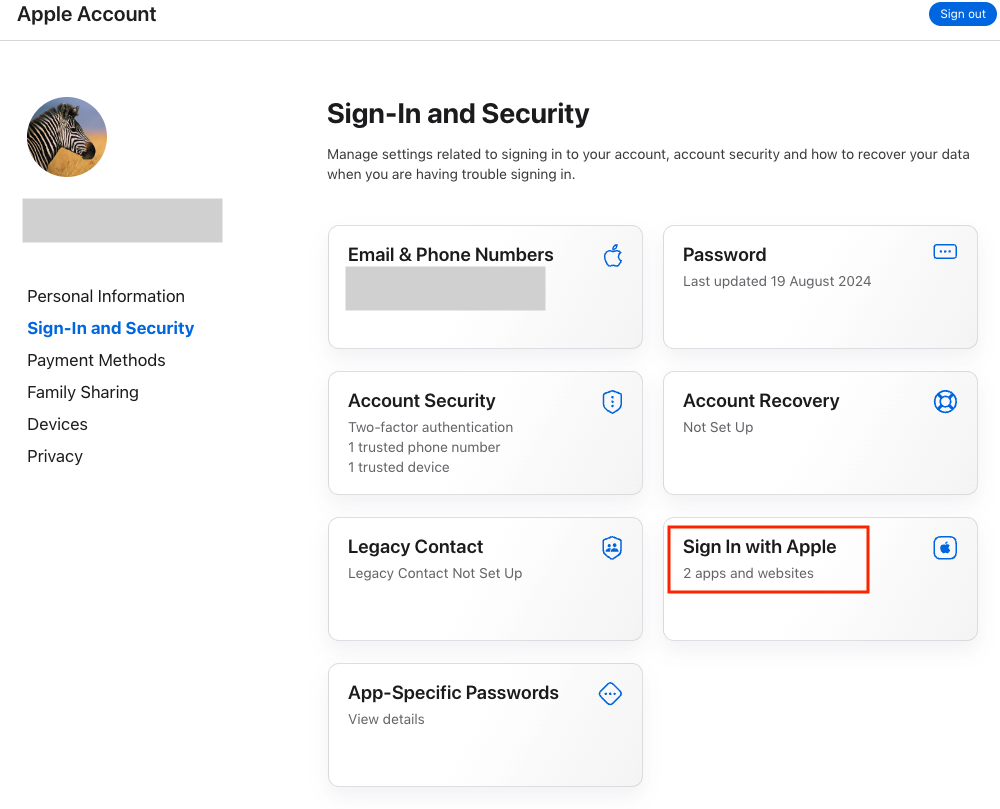
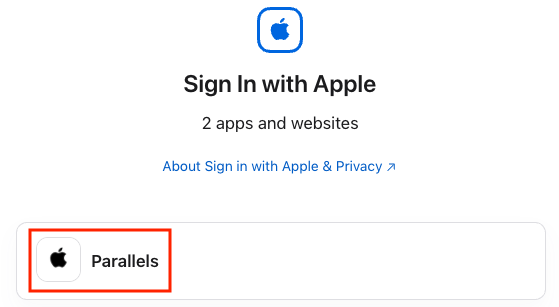
- Click on Parallels item.
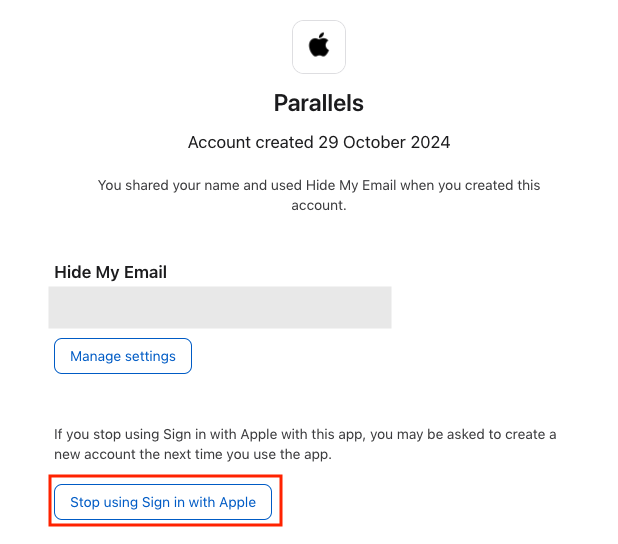
- Click the Stop Using Sign in with Apple button.
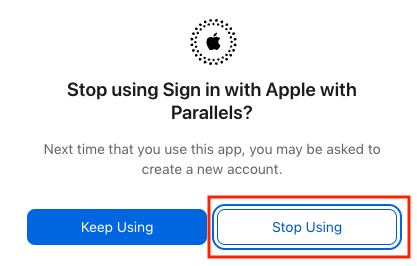
- Give final confirmation by clicking the Stop Using button.
- Apple Account no longer bound with Parallels Account. Go to My Account page to Sign In with Apple again.
- Once the following screen will appear click Use your Apple Account to sign in to ‘Parallels Account’ option
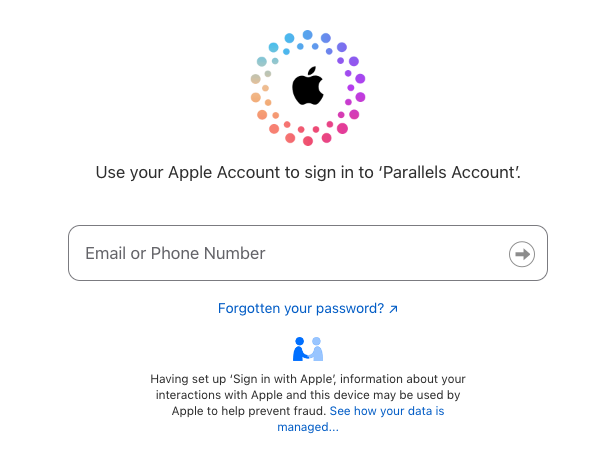
- Once prompted, enter your Apple Account password on the appeared page
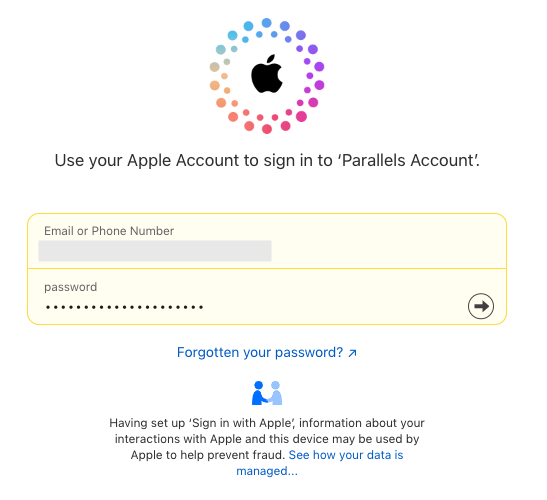
- Follow on-screen instructions to finish the process.
Was this article helpful?
Tell us how we can improve it.