
Symptoms
Two local screens are displayed as a single one in a remote session.
Option Span desktop across all monitors is disabled in connection properties.
Cause
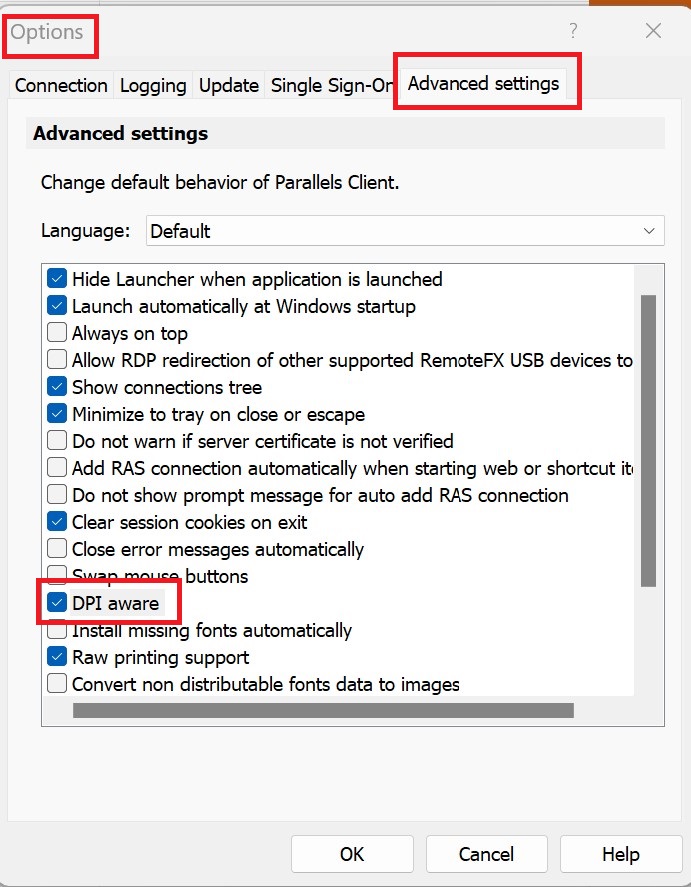
Some of the local screens have non-standard DPI scaling value, but DPI aware option isn't enabled in Parallels Client settings.
Resolution
Please enable it in Tools → Options → Advanced Settings, log off the current session from RDS host and restart Parallels Client (File → Exit):
Was this article helpful?
Tell us how we can improve it.