
To install a distribution of Linux Mint, you may install the virtual machine directly from the main Installation Assistant menu:
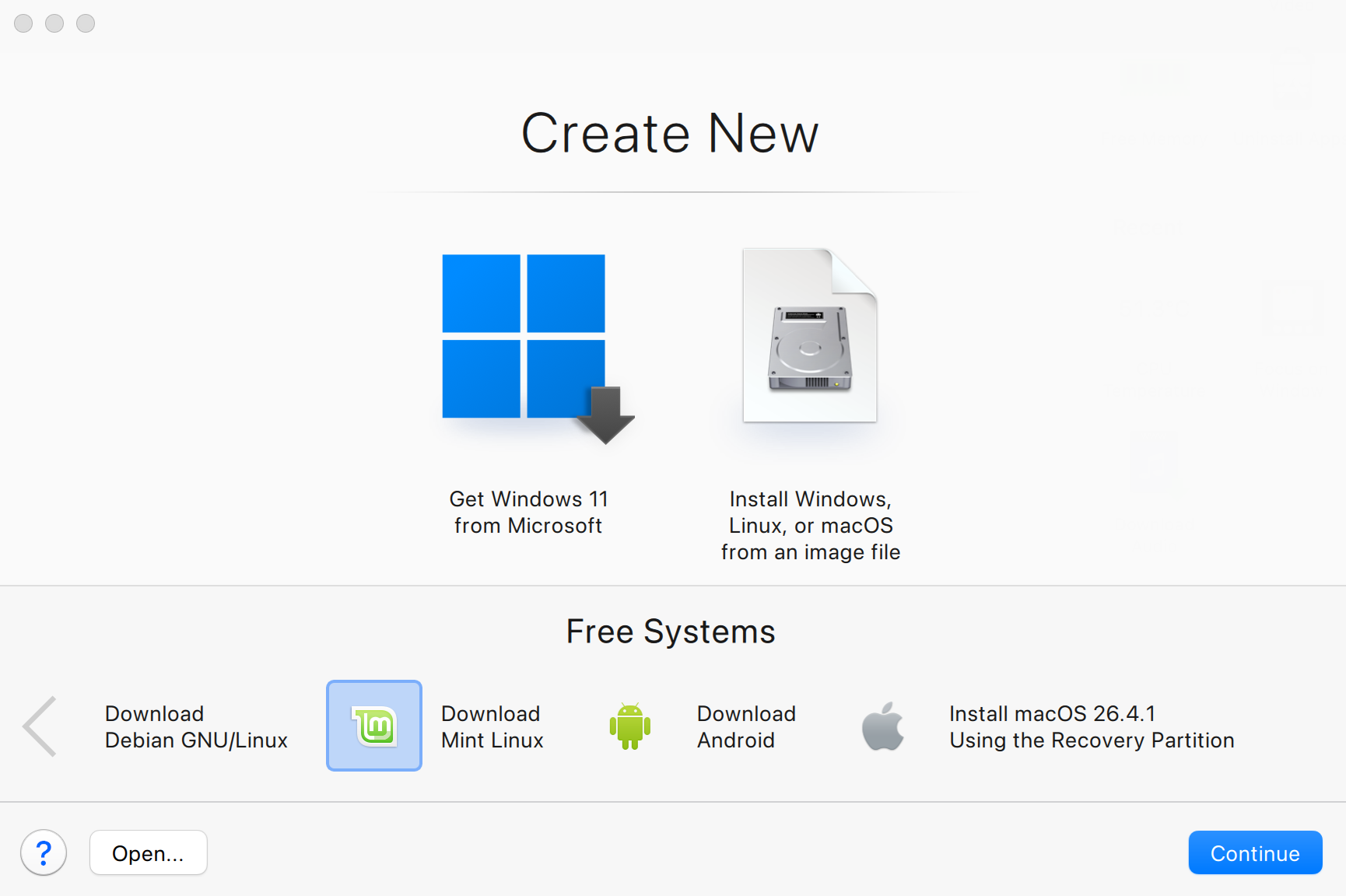
You may also use a bootable ISO installation image by downloading a Linux mint .iso image file the official Linux Mint web page. See the list of supported distributions.
Once you get the image, click Install Windows, Linux, or macOS from an image file > click Continue > choose your installation image and follow on-screen instructions to proceed with the installation.
Note: Linux Mint is currently only supported in Parallels Desktop for Mac with Intel processors. Learn more in KB 124223.
Was this article helpful?
Tell us how we can improve it.