
This article explains how to install Parallels Tools in Windows virtual machines.
To install Parallels Tools in Ubuntu virtual machines, see KB 113394.
-
Start your virtual machine.
-
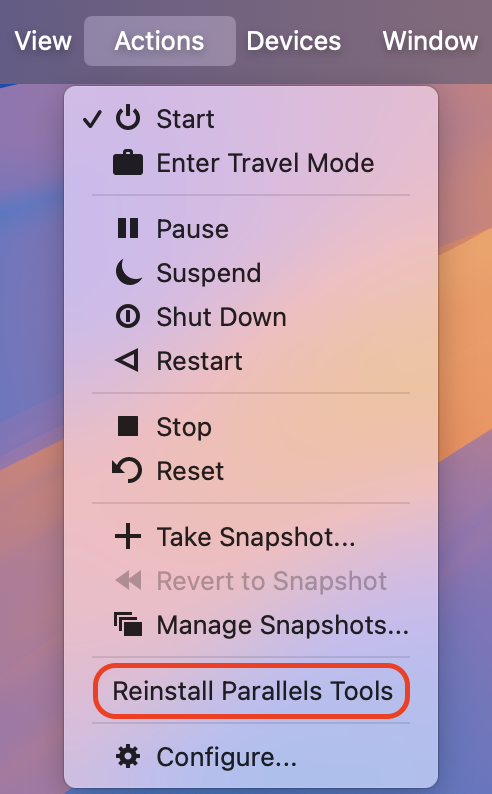
On the top Mac menu bar go to Actions > Install Parallels Tools.
-
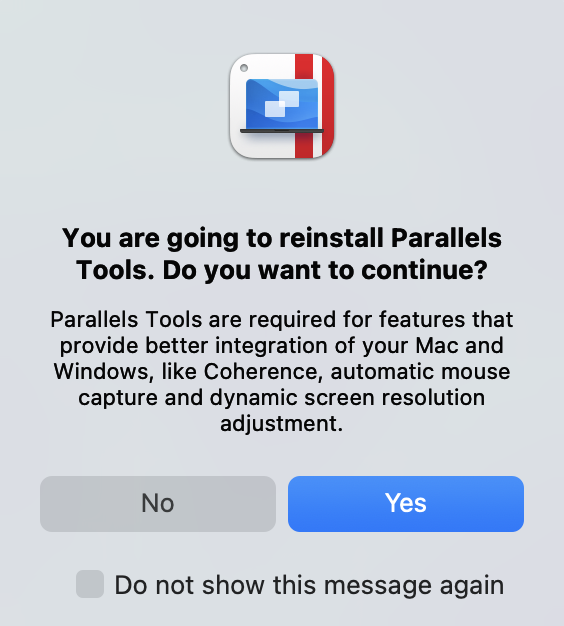
Click Yes on the pop-up message to begin the installation of Parallels Tools in Windows:
-
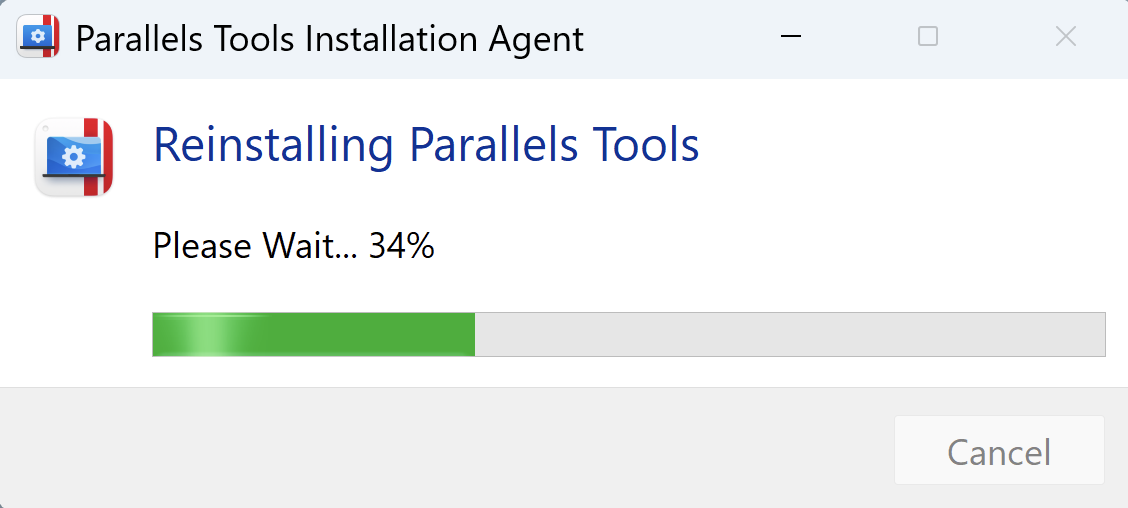
Installation will now start and you will see the progress bar:
-
When installation is finished, restart your virtual machine.
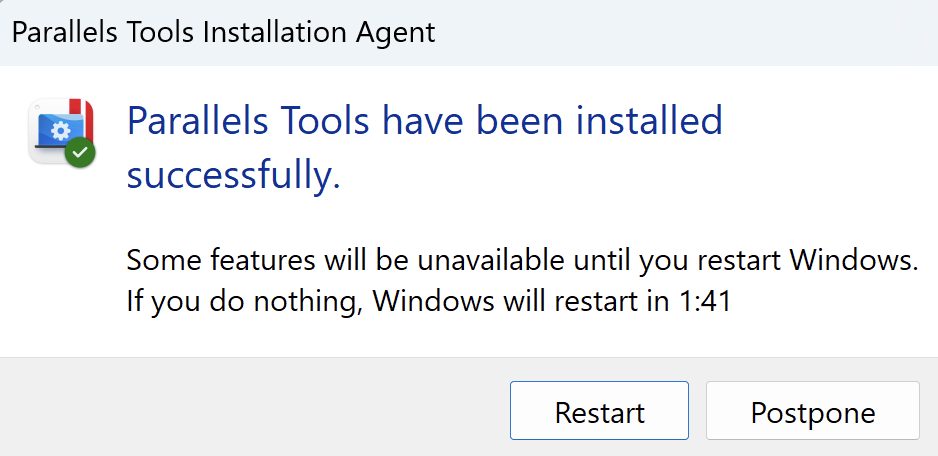
If Parallels Tools failed to install, please refer to KB 111730
Was this article helpful?
Tell us how we can improve it.