
In Parallels Desktop, you can download a set of ready-to-go Linux virtual machines from the main Installation Assistant menu:
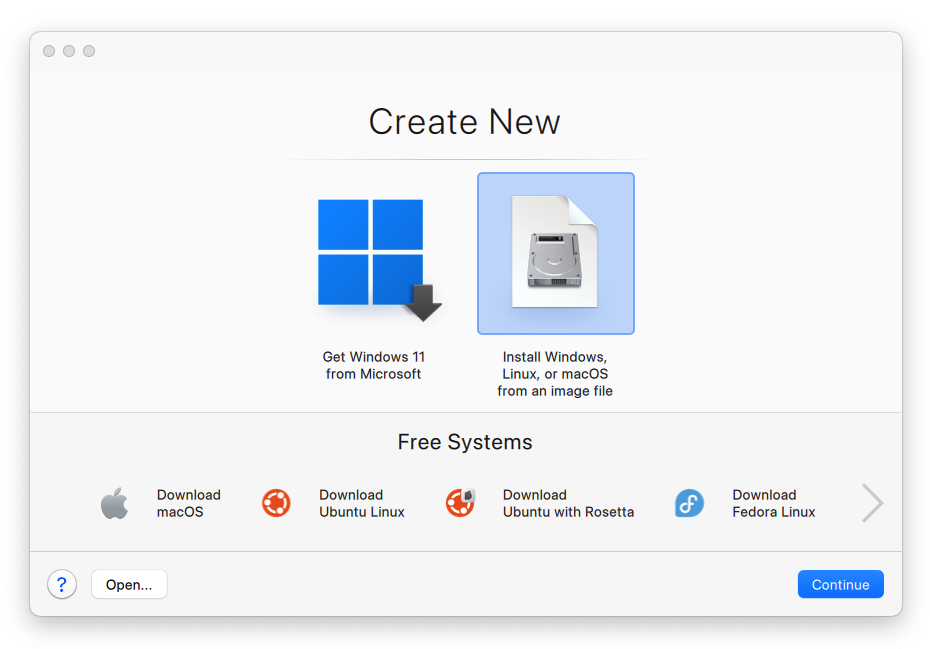
To install a distribution of Linux ARM, use a bootable ISO installation image, but make sure that it is an ARM-based image.
You may use a bootable ISO installation image by downloading the latest Ubuntu Linux .iso image file from Ubuntu Download page. See the list of supported distributions.
Once you get the image, click Install Windows, Linux, or macOS from an image file > click Continue > choose your installation image and follow on-screen instructions to proceed with the installation.
Was this article helpful?
Tell us how we can improve it.