
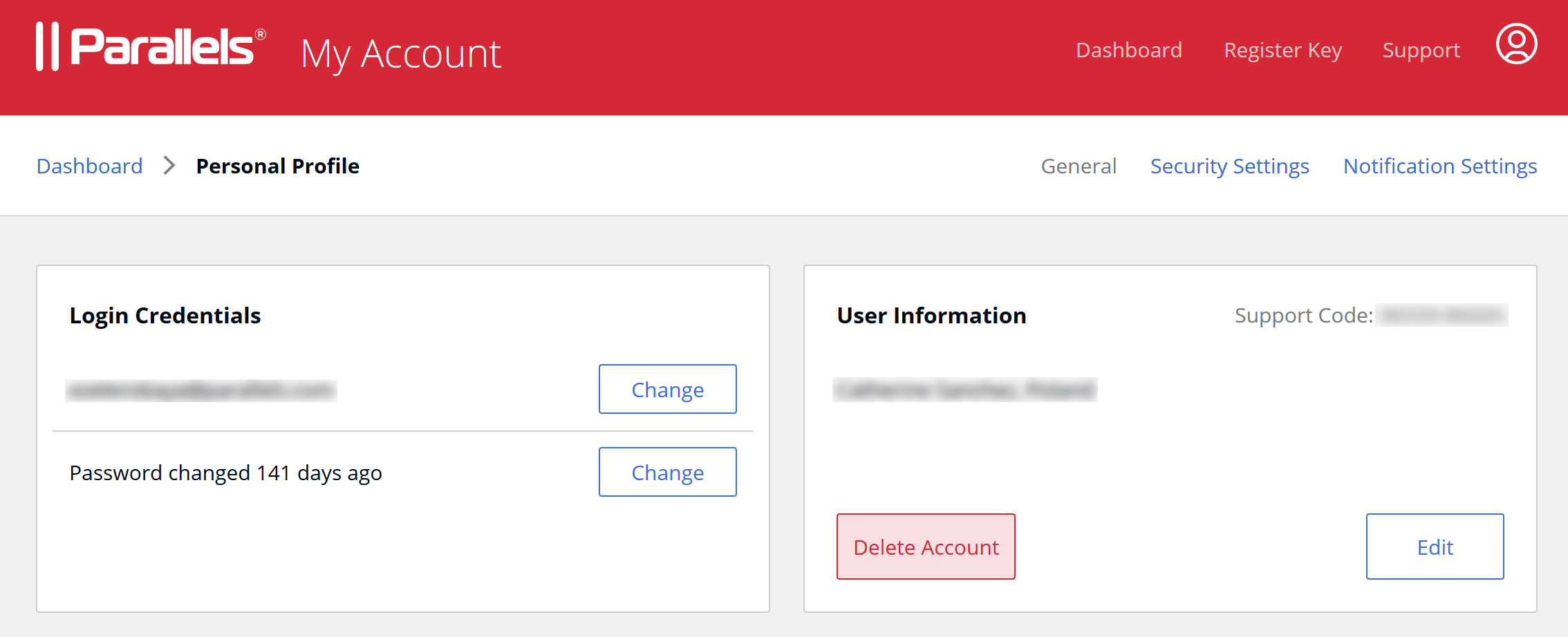
To delete your account with Parallels, open the Personal Profile page of your account and click on Delete Account.
Type your account password to start the procedure, and then follow the instructions sent to your account email to complete it.
Note: A deleted account cannot be reactivated, and the email address cannot be reused for at least 3 days while we're making sure that all data is completely removed from all Parallels services.
Was this article helpful?
Tell us how we can improve it.