
Registration
Once you start a virtual machine in Parallels Desktop for Mac for the first time, it will prompt you to create or sign in to a Parallels account. The Parallels account allows you to store your license keys in one place, contact the Parallels support team, get information about critical updates, manage your subscriptions, and more.
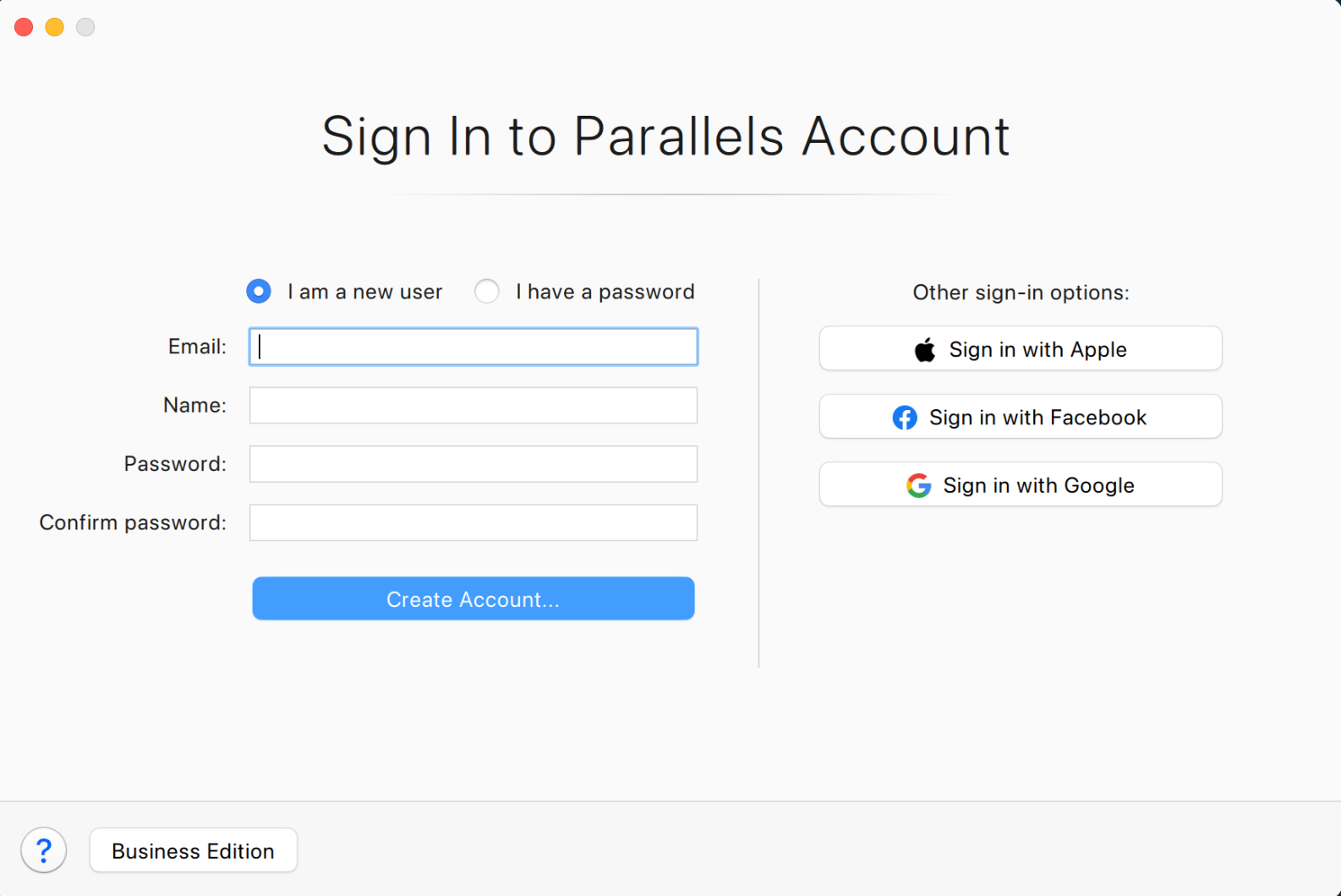
If you don't have a Parallels account, select the option I am a new user and click Create Account, then follow the onscreen instructions.
If you have an account, select I have a password and enter your account credentials.
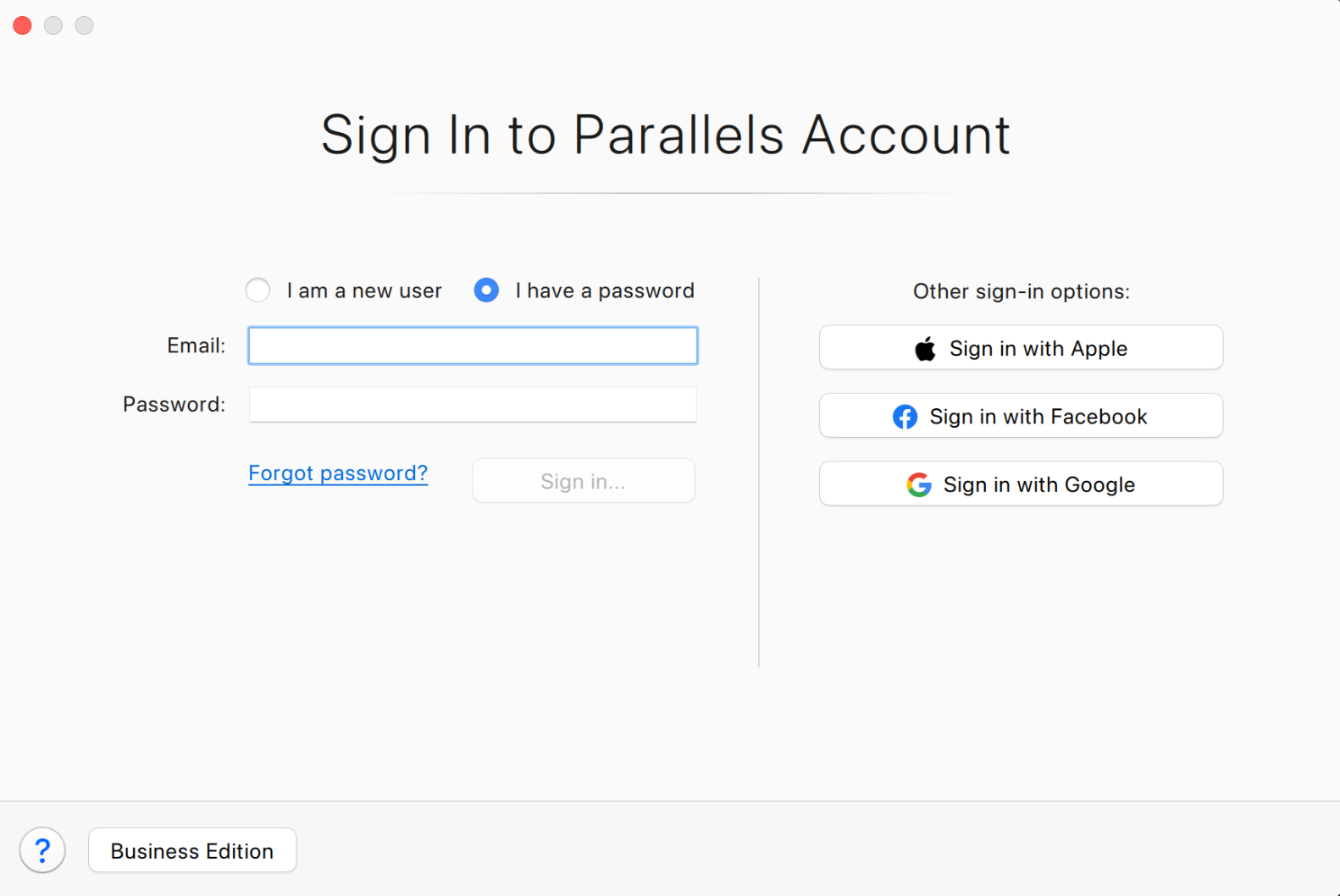
The activation key you will enter in the next step will be registered under the account you're signed in to. If you want to change the account you are signed in to, click on the Parallels Desktop menu and select Account & License. In the new window, click on the account email address and select Sign Out.

You can also register a license online at my.parallels.com in the Register Key window.
Activation
To activate Parallels Desktop, you need to connect your Mac to the Internet.
Once you have signed in to your Parallels account, Parallels Desktop will prompt you to activate the application.
- To activate Parallels Desktop with a full license, you only need a license key for the version you are installing.
- To activate Parallels Desktop with an upgrade license, you need two keys: the upgrade key for the version you are installing, and a key for one of previous versions.
Note: An upgrade license key cannot be used for activation after using a trial version, to extend an expired subscription or if there is no license key from a previous version available. In such cases, please visit the Parallels Online Store to purchase a full license for Parallels Desktop for Mac.
Enter your license for the current version. If you are activating an upgrade copy, enter your key for one of the previous versions. Click Activate.
Note for current Parallels Desktop subscription owners
If you have a subscription for Parallels Desktop for Mac Standard or Pro Edition, you can upgrade Parallels Desktop to the latest version with the license you own. Just download and install the latest Parallels Desktop version. A subscription allows you to upgrade to the latest version at no additional charge as long as the subscription is valid.
Activation after trial
If you activated a trial version of Parallels Desktop for Mac, you can reactivate it with a commercial license at any time.
- Click on Parallels Desktop from the application menu bar on top of the screen; you may click on your Control Center window to see it. Select Account & License from the drop-down menu.
- Click Enter a key.
- Enter your license for the current version. If you are activating an upgrade copy, enter your key for the previous version. Click Activate.
Activation after reinstallation
When Parallels Desktop prompts you to sign in, sign in to the account that contains your activation keys. After signing in, you will see the list of your license keys. Double-click on the license you would like to use for activation.
Was this article helpful?
Tell us how we can improve it.