
How to start my Virtual Machine?
You have successfully installed Windows virtual machine as described here, but cannot find a way to start it.
Double click on Shortcut
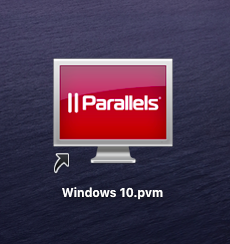
There are several ways to start your virtual machine. If you have a virtual machine shortcut on your Desktop just double click it:
Start Virtual Machines from Parallels Desktop application
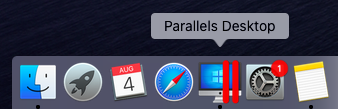
- Make sure you have Parallels Desktop running. Find it in the Dock:
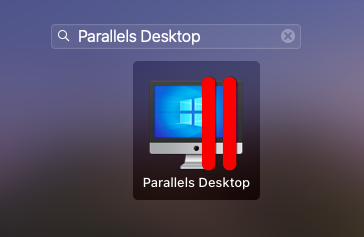
Or in Launchpad:
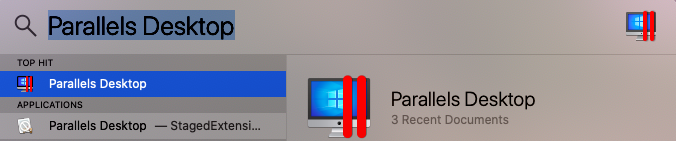
Or in Spotlight:
Or in the Applications folder.
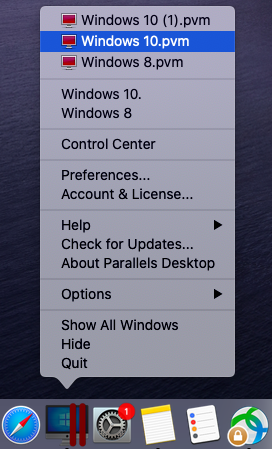
- After you have your Parallels Desktop started, right-click on the Dock icon and click on your virtual machine name at the top:
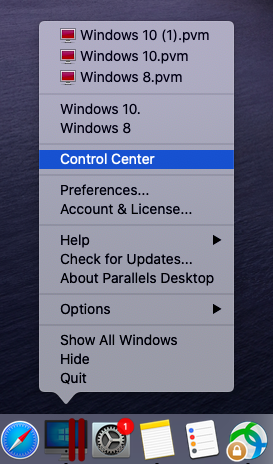
- Or click Control Center to see the full list of virtual machines:
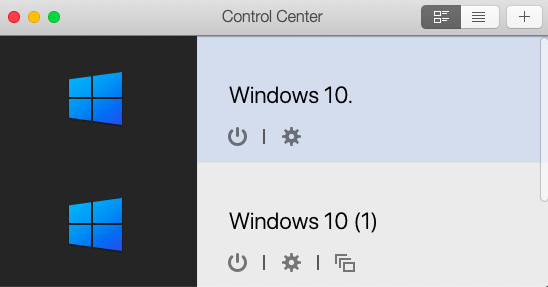
and click Power Button to start the virtual machine:
Related articles:
Was this article helpful?
Tell us how we can improve it.