
If you happen to experience issues logging in with Parallels using the Facebook account option "Continue with Facebook", you can apply the following method to access your account:
Note: This method will allow you to log into, and use the same Parallels account, but using email\password instead of "Continue with Facebook" option.
1. Open My Account's login page
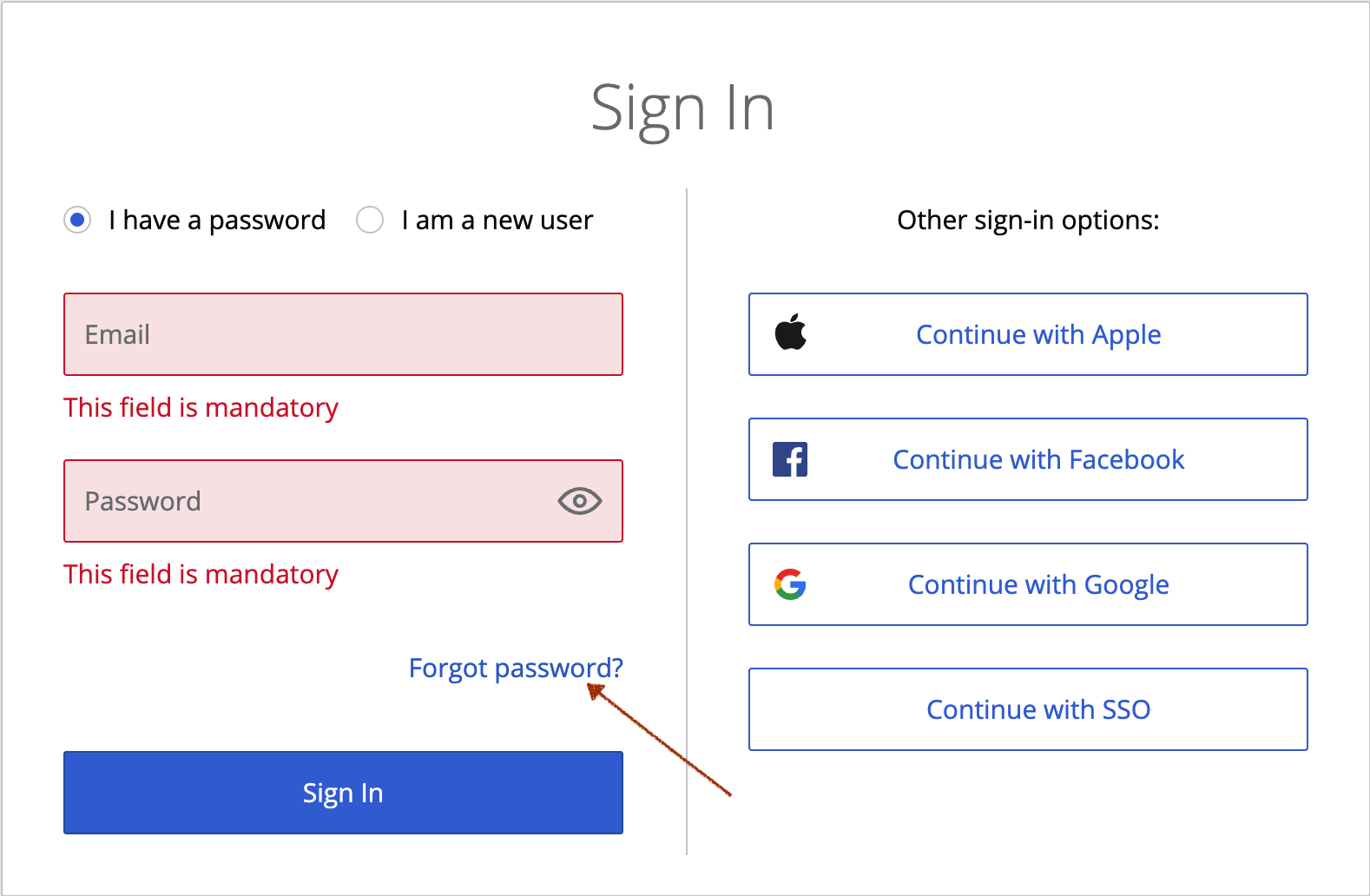
2. Use the option "Forgot Password?"
3. Enter the email you use for Facebook in the email field:
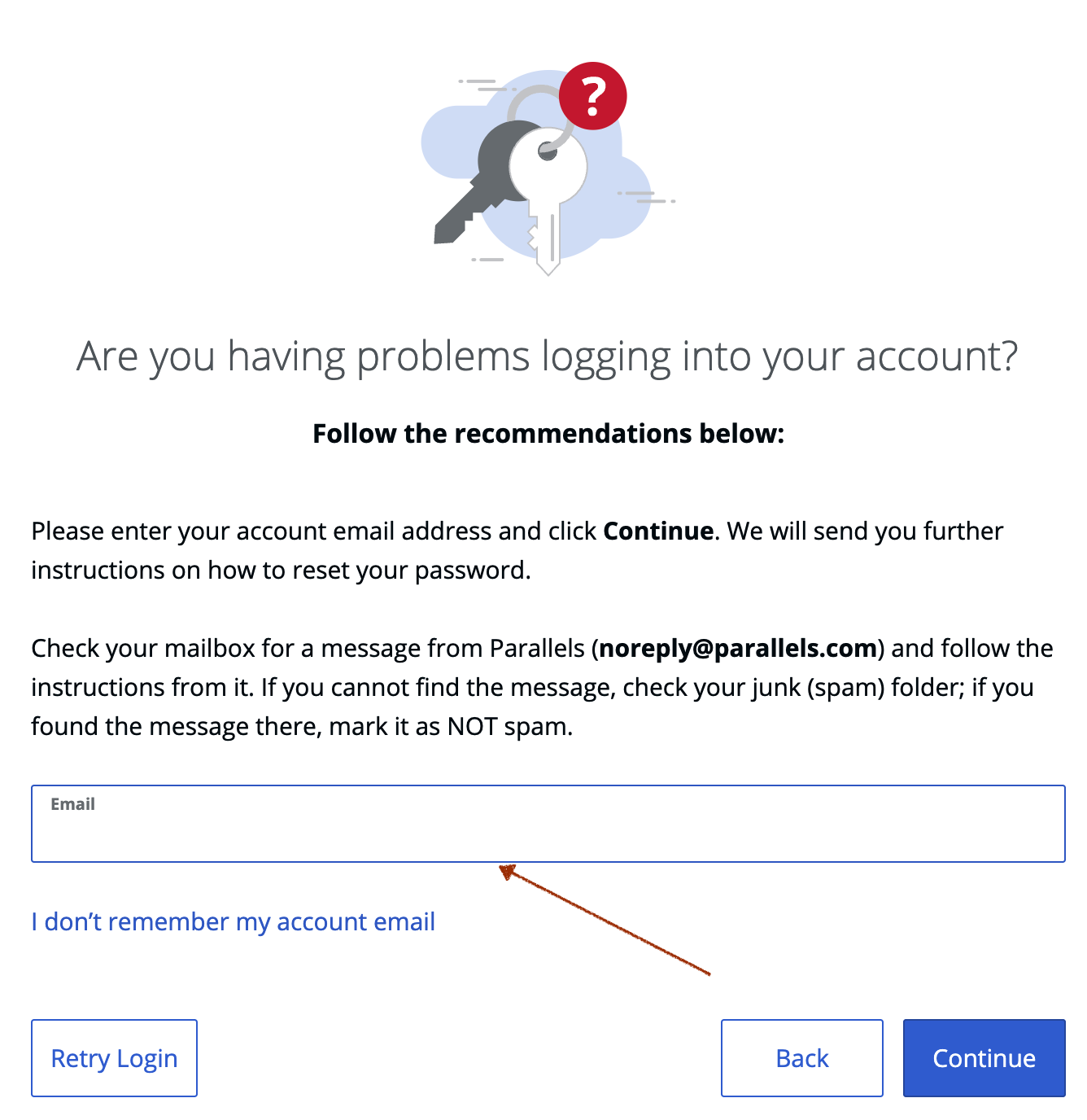
4. Check your email, click on the provided link to reset your password. You will be directed to the page, where you will need to set a new password.
5. Enter a new password and click Reset.
Note: that your password must be 6 to 20 characters long.
5. Return to My Account's login page or open Parallels Desktop and login using your email and new password.
Was this article helpful?
Tell us how we can improve it.