
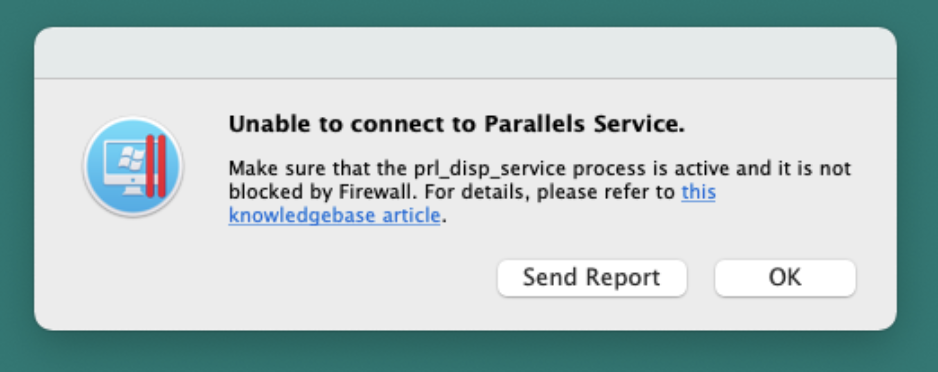
Upon Parallels Desktop start the following error message appears:
Unable to connect to Parallels Service. Make sure that the prl_disp_service process is active and it is not blocked by Firewall.
Possible Cause
- outdated macOS version
- prl_disp_service is blocked by the firewall
- prl_disp_service cannot start due to insufficient permissions
Resolution
Note: since Parallels Desktop App Store Edition is distributed through the Mac App Store it uses the App Sandbox, so it highly depends on the host configuration. To fix the issue with Parallels Desktop App Store Edition 1.7.0, update macOS to the latest version first. This step is supposed to fix the issue.
To fix the issue in Parallels Desktop, kindly follow the steps below:
- Restart the Mac. Try to open Parallels Desktop for Mac again.
- If it didn't help, launch the Terminal.app (located in Applications > Utilities).
-
Paste the command below into Terminal, then hit Return:
sudo launchctl stop com.parallels.desktop.launchdaemon - You may need to type your Mac password and hit Return (you will not see characters while typing)
-
Copy and paste the following command, then hit Return to start Parallels Service:
sudo launchctl start com.parallels.desktop.launchdaemon - Try starting the Parallels Desktop application or a virtual machine.
Was this article helpful?
Tell us how we can improve it.